Add Social Media Icons to Your Blog Posts
If you want to display your social media accounts within your blog posts, please complete the following steps:
- Navigate to Design.
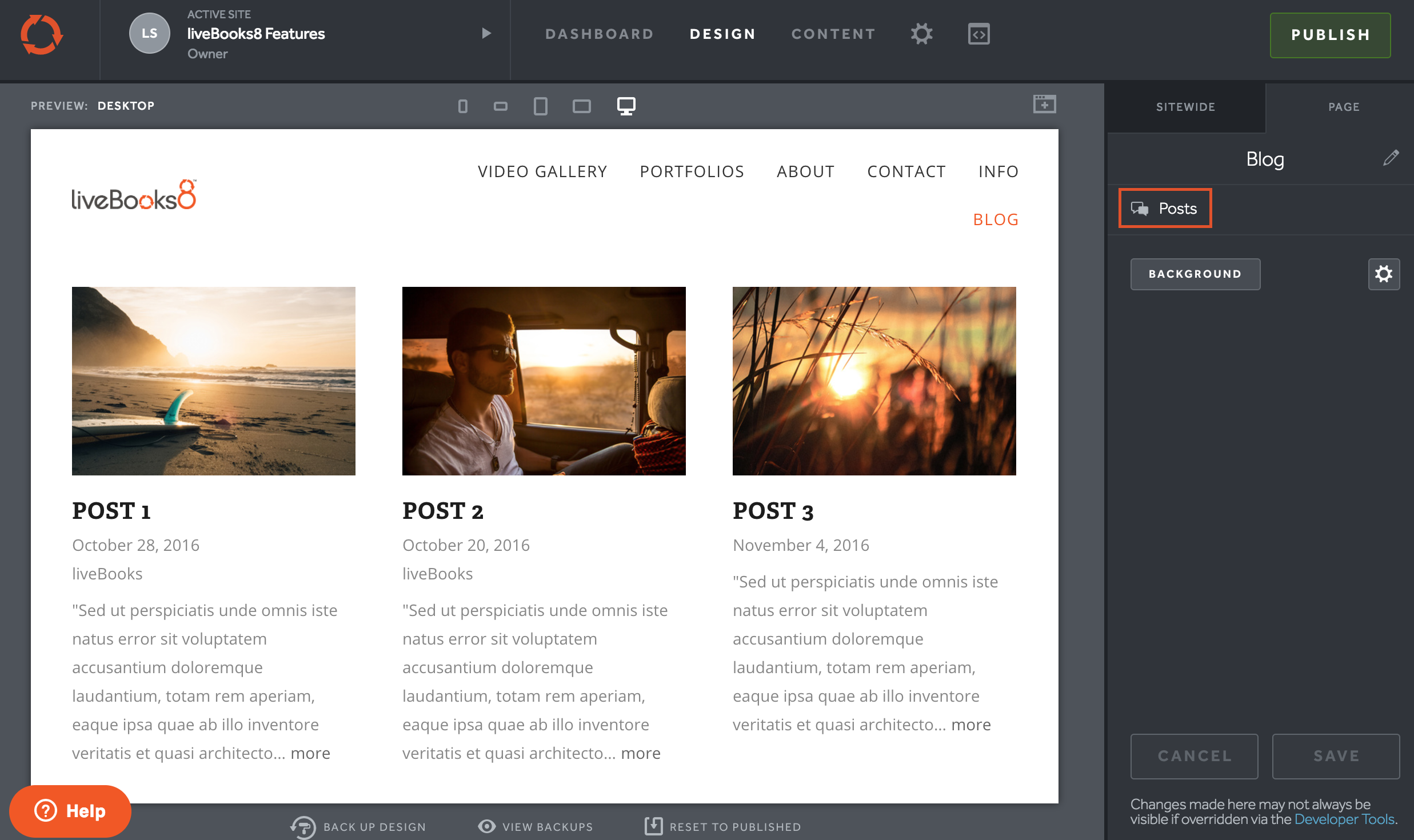
- Choose Posts, under the page tab
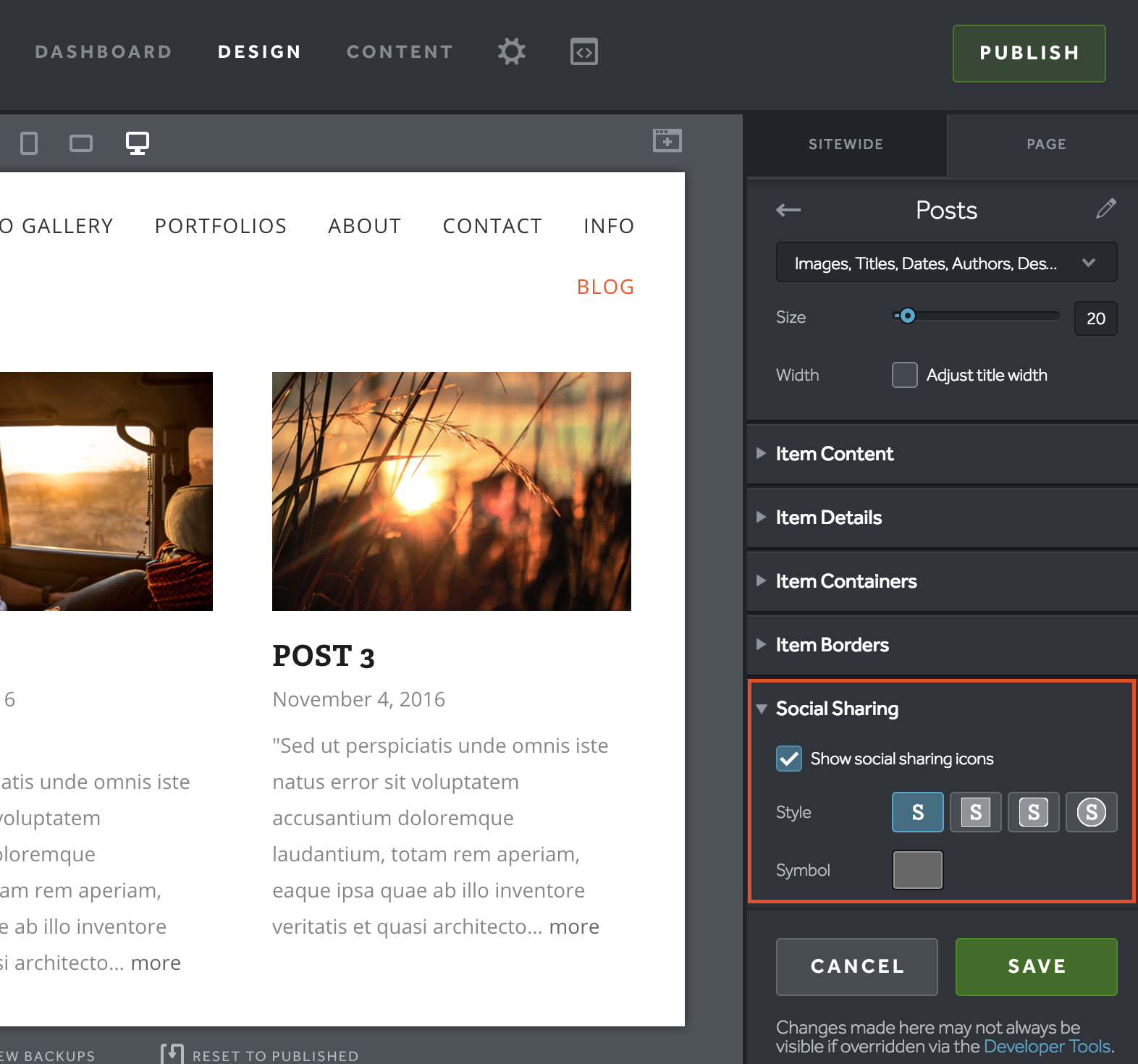
- Check off Show Social Sharing Icons
- Format these icons if needed
- Hit save and publish.