Navigation Layout Options
We have a variety of site layouts with different navigation configurations. To see what layouts are available:
1. Select the Design tool in the gray navigation bar. On the right-hand sidebar, select Sitewide. At the top, select Layout.
2. Activate the drop-down arrow to view your layout options.
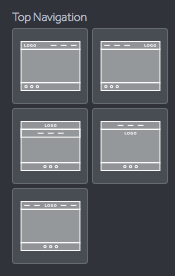
Top Navigation Layouts:
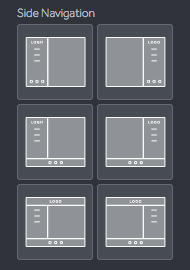
Side Navigation Layouts:
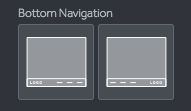
Bottom Navigation Layouts:
Experiment with these different layout configurations and when done:
3. Select Save and Publish